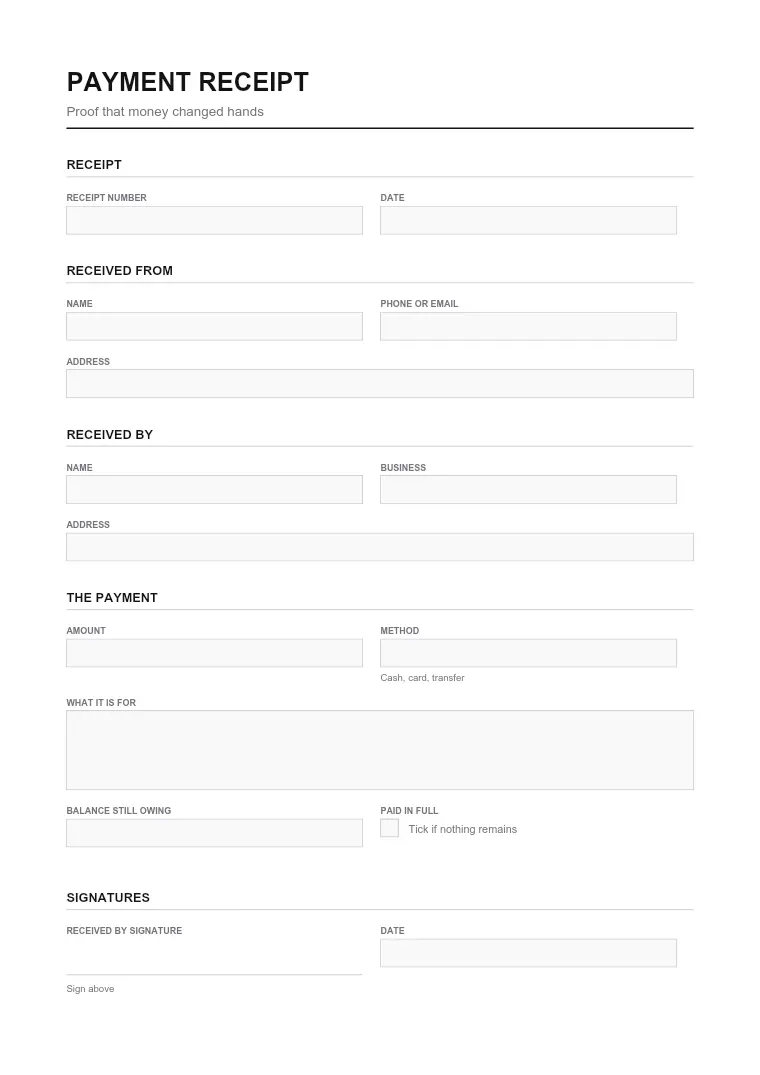
What this form is for
Payment Receipt sets out commercial terms between two parties — what is being sold, lent, or agreed, and on what conditions.
Who needs it
Both sides of the transaction. Where money changes hands, keep the signed copy with your accounting records.
How to fill it in
Open the file in the Quire editor. Existing form fields become editable straight away; on a flat scan you can drop your own text boxes, checkboxes and dates exactly where they belong. Sign it with the Sign tool — draw, type or upload your signature — then export.
Everything happens in your browser. A signed agreement carries enough personal information that it has no business sitting on somebody else's server, and here it never does.
Where it goes
No filing is required. Exchange signed copies and keep them for as long as the obligation runs, plus your usual retention period.
This page explains the document and helps you fill it in. It is not legal or tax advice, and it is not affiliated with any government agency.