What this form is for
Wage and Tax Statement (W-2). A W-2 reports what an employer paid one employee over the year and what was withheld from it. The employer files it; the employee receives copies to use on their return.
Deadline. 31 January, both to the employee and to the Social Security Administration.
Who needs it
Employers, for every employee they paid wages to. Employees receive it rather than fill it in.
When you do not need it
You do not issue a W-2 to a contractor — that is a 1099-NEC. And if you are an employee, you do not fill this in at all; you wait for it.
How to fill it in
Open the file in the Quire editor. Existing form fields become editable straight away; on a flat scan you can drop your own text boxes, checkboxes and dates exactly where they belong. Sign it with the Sign tool — draw, type or upload your signature — then export.
Everything happens in your browser. A tax or immigration form carries enough personal information that it has no business sitting on somebody else's server, and here it never does.
What goes wrong
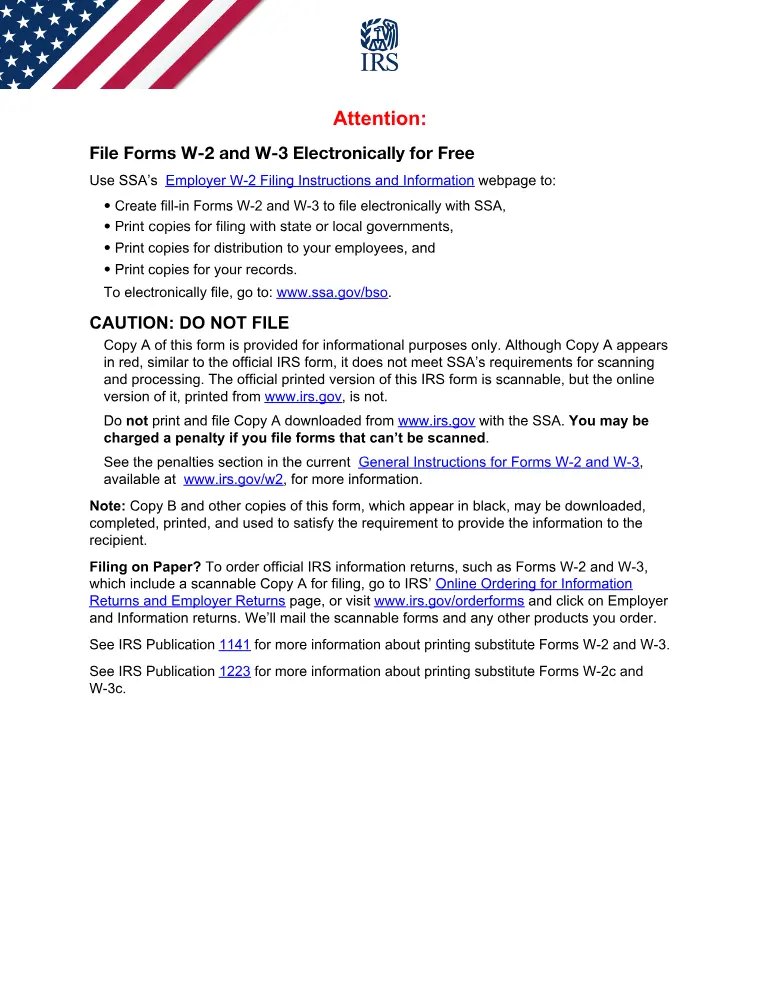
- The copy that goes to the SSA has to be the scannable one. A downloaded black-and-white Copy A is for reference; filing it on paper can attract a penalty.
- Filing electronically avoids the scannable-copy problem entirely, and is required above the threshold set for the year.
Where it goes
Follow the address or e-file route printed in the current IRS instructions for this form. Those change between tax years, so check the instructions rather than reusing last year’s envelope.
This page explains the document and helps you fill it in. It is not legal or tax advice, and it is not affiliated with any government agency.