What this form is for
Annual Summary and Transmittal of U.S. Information Returns (1096). A cover sheet that summarises the paper information returns you are sending the IRS — how many, of what type, and their total.
Who needs it
Anyone filing 1099s, 1098s, 3921s, 5498s or W-2Gs on paper.
When you do not need it
Electronic filers never need it. Given the threshold for mandatory e-filing is now ten returns of any type combined, most filers do not touch a 1096 at all.
How to fill it in
Open the file in the Quire editor. Existing form fields become editable straight away; on a flat scan you can drop your own text boxes, checkboxes and dates exactly where they belong. Sign it with the Sign tool — draw, type or upload your signature — then export.
Everything happens in your browser. A tax or immigration form carries enough personal information that it has no business sitting on somebody else's server, and here it never does.
What goes wrong
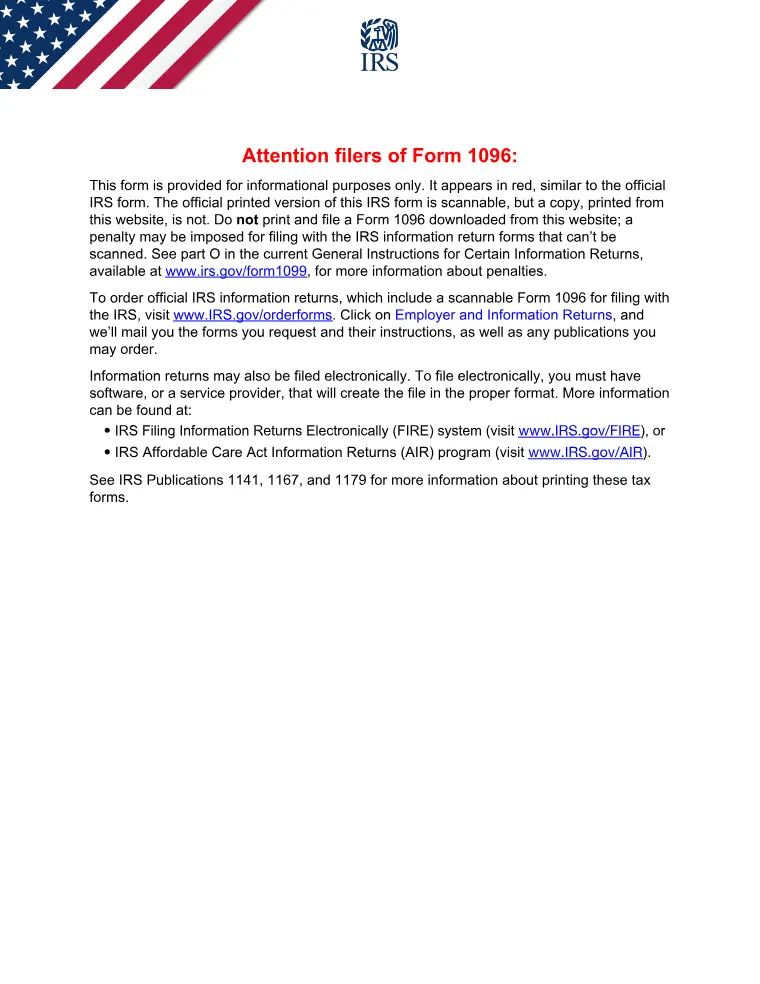
- The copy the IRS scans must be the red-ink original ordered from the IRS. A downloaded copy is for reference and preparation, and filing it can attract a penalty.
- One 1096 per type of form. Five 1099-NECs and two 1099-INTs need two of them.
Where it goes
Follow the address or e-file route printed in the current IRS instructions for this form. Those change between tax years, so check the instructions rather than reusing last year’s envelope.
This page explains the document and helps you fill it in. It is not legal or tax advice, and it is not affiliated with any government agency.