What this form is for
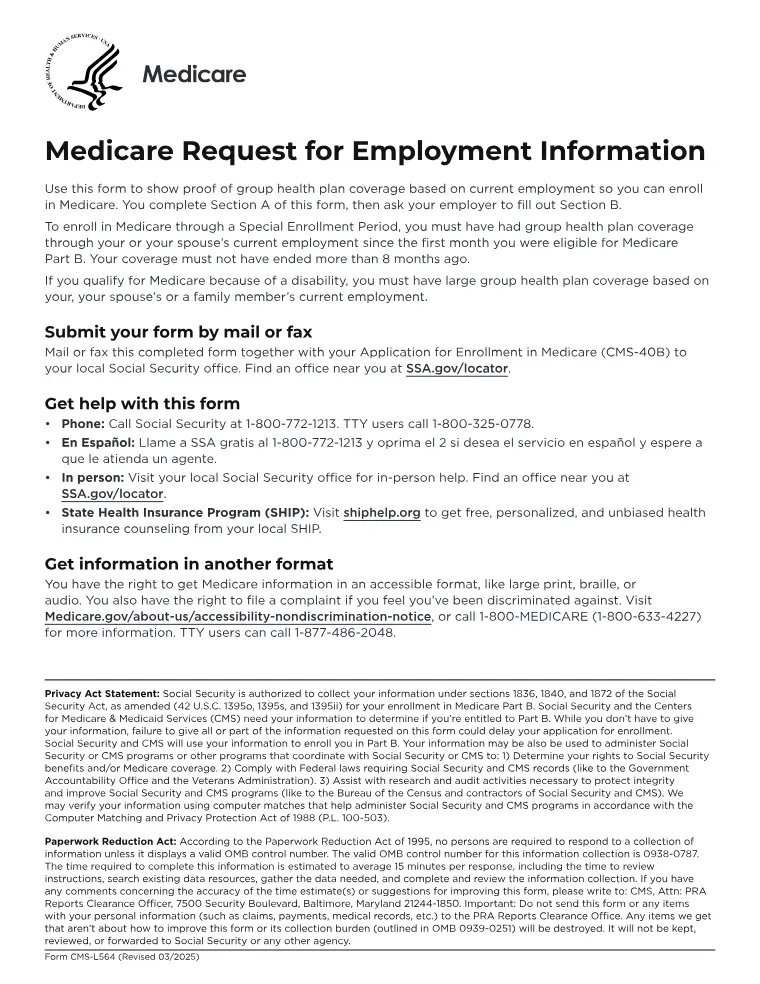
Request for Employment Information (CMS-L564). Your employer’s written confirmation that you had group health cover through work — the evidence that supports a special enrolment period for Part B.
Who needs it
Filed with CMS-40B by anyone enrolling late because they were covered by an employer.
How to fill it in
Open the file in the Quire editor. Existing form fields become editable straight away; on a flat scan you can drop your own text boxes, checkboxes and dates exactly where they belong. Sign it with the Sign tool — draw, type or upload your signature — then export.
Everything happens in your browser. A tax or immigration form carries enough personal information that it has no business sitting on somebody else's server, and here it never does.
What goes wrong
- Section B is completed by the employer, not by you. Allow time for that — it is the part that holds these up.
Where it goes
Submit it to the address or online portal named in the agency’s current instructions. Sending an application to a superseded address is one of the most common causes of delay.
This page explains the document and helps you fill it in. It is not legal or tax advice, and it is not affiliated with any government agency.